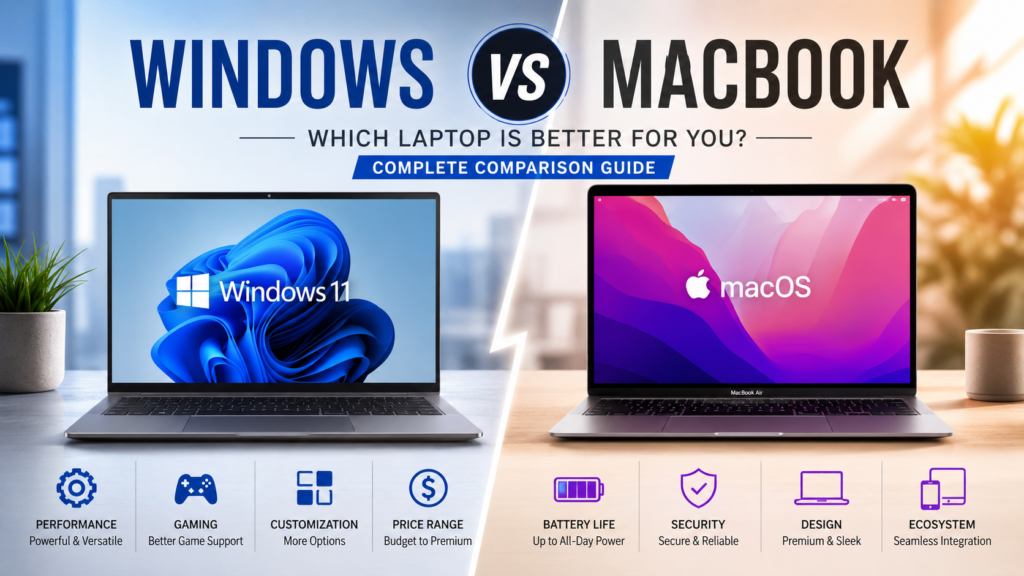
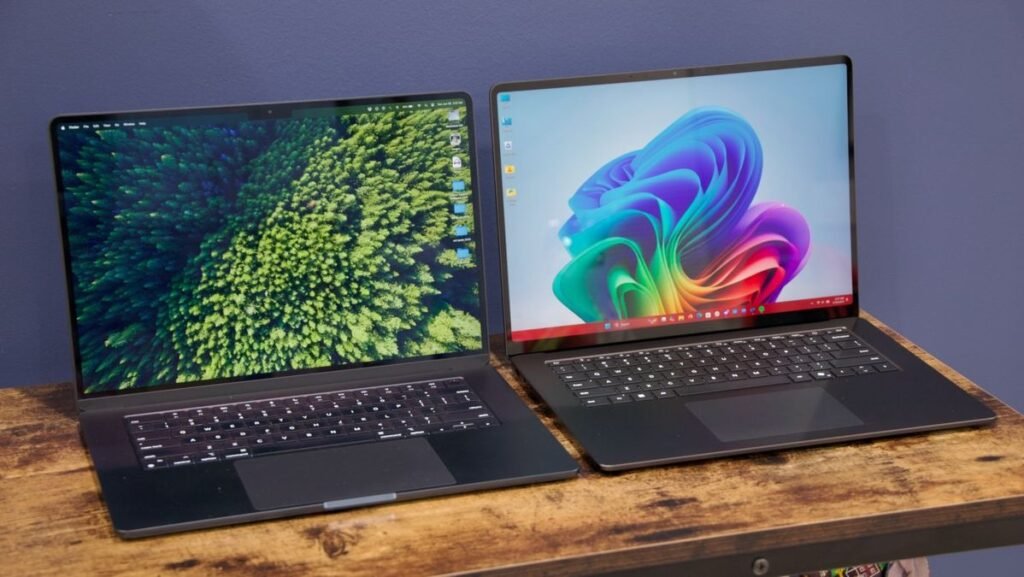
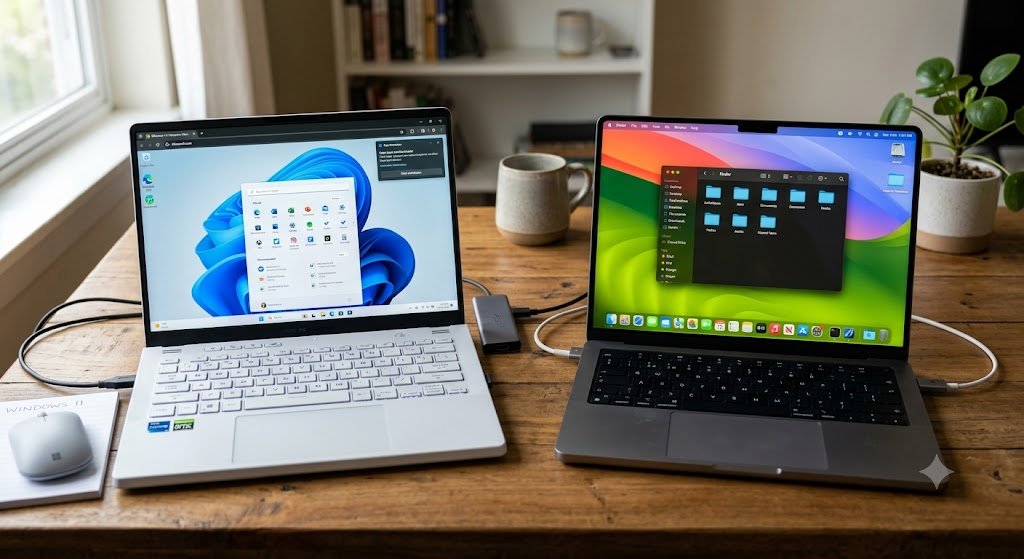
Choosing a new laptop has become more challenging than ever. Whether you’re a student, professional, content creator, programmer, or casual user, one question always comes up: Windows vs MacBook—which is the better choice?
Both Windows laptops and Apple’s MacBook lineup have evolved significantly over the years. Windows laptops now offer incredible performance, AI-powered features, and a wide variety of options at different price points. Meanwhile, Apple’s latest MacBooks continue to impress with exceptional battery life, premium build quality, and the power-efficient Apple Silicon chips.
The right laptop depends on how you plan to use it. Some users prioritize gaming and software compatibility, while others care more about battery life, portability, or creative workflows. That’s why comparing Mac vs Windowsisn’t about finding one universal winner—it’s about discovering which platform best matches your needs.
In this complete guide, we’ll compare MacBook vs Windows laptop options in terms of design, performance, battery life, software compatibility, gaming, pricing, and long-term value. Whether you’re wondering if you should buy a MacBook or Windows laptop for college, work, or professional content creation, this guide will help you make a confident decision.
Windows vs MacBook at a Glance
Before diving into the detailed comparison, here’s a quick overview of how a typical Apple laptop vs Windows laptop compares across the most important categories.
Feature
Windows Laptop
MacBook
Operating System
Windows 11
macOS
Price Range
Budget to Premium
Mostly Premium
Battery Life
Good to Excellent
Excellent
Gaming
Excellent
Limited
Software Compatibility
Excellent
Excellent (Some apps unavailable)
Upgradeability
Available on many models
Very Limited
Build Quality
Varies by brand
Premium Aluminum Build
Variety
Hundreds of Models
Limited Models
Repairability
Generally Easier
More Expensive
Best For
Gaming, Students, Business, Engineers
Creators, Professionals, Apple Ecosystem
While this table gives a quick snapshot, it doesn’t tell the full story. A premium Windows laptop can outperform a MacBook in some workloads, while Apple’s latest MacBooks lead in battery efficiency and overall optimization.
For example, if you’re looking for a gaming machine or a laptop that supports specialized engineering software, Windows is often the better choice. On the other hand, if your work revolves around video editing, graphic design, or you’re already invested in the Apple ecosystem, a MacBook can provide a smoother experience.
Instead of asking which laptop is universally better, the more useful question is: Which laptop is better for your specific needs? The following sections will answer that in detail.
Design and Build Quality
Design is often the first thing buyers notice, but it also affects everyday usability. Factors like weight, durability, keyboard comfort, and portability can make a big difference if you carry your laptop to school or work every day.
MacBook Design
Apple has built a strong reputation for premium hardware. Every modern MacBook features a sturdy aluminum unibody chassis that feels solid, sleek, and durable. The minimalist design, thin profile, and excellent fit and finish make MacBooks some of the most attractive laptops available.
Another standout feature is the large glass trackpad. It’s widely regarded as one of the best in the industry, offering precise tracking and smooth gestures. Combined with the comfortable keyboard and bright Retina display, MacBooks deliver an excellent everyday user experience.
Windows Laptop Design
Windows laptops come in a much wider variety of designs because multiple manufacturers produce them. Brands like ASUS, Dell, HP, Lenovo, Acer, MSI, and Microsoft each have their own design philosophy.
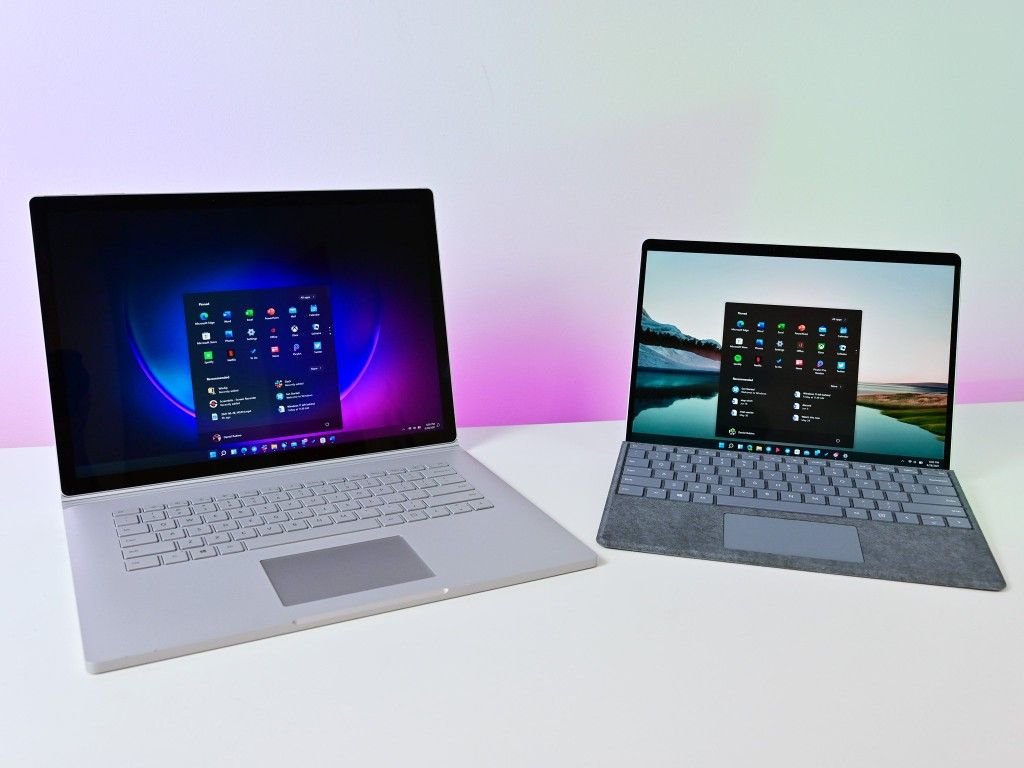
Budget Windows laptops are often made from plastic, while premium models such as the Dell XPS, ASUS Zenbook, Lenovo Yoga, and HP Spectre feature aluminum or magnesium alloy bodies that rival the MacBook in quality.
This variety gives buyers more flexibility. Whether you want an ultra-light laptop, a 2-in-1 convertible, a business notebook, or a gaming machine with RGB lighting, there’s a Windows laptop to match your preferences.
Keyboard and Trackpad Experience
MacBooks consistently offer one of the best trackpads available, with smooth gesture support and excellent palm rejection. Their keyboards are also comfortable for long typing sessions.
Windows laptops vary more depending on the manufacturer. Premium models usually provide excellent keyboards and responsive trackpads, while entry-level devices may compromise on quality to keep costs low.
Portability
Both platforms offer highly portable laptops. Apple’s MacBook Air is among the lightest premium laptops available, making it ideal for students and travelers.
Windows users, however, have far more choices. You can buy compact 13-inch ultrabooks, lightweight 14-inch business laptops, or larger 16-inch performance machines depending on your priorities.
Design Comparison
Category
Windows Laptop
MacBook
Material
Plastic to Premium Metal
Premium Aluminum
Weight
Varies by Model
Lightweight
Build Quality
Excellent on Premium Models
Consistently Excellent
Keyboard
Depends on Brand
Excellent
Trackpad
Good to Excellent
Industry-Leading
Design Variety
Very High
Limited but Refined
Verdict: If consistent premium craftsmanship is your priority, the MacBook has a slight edge. However, premium Windows laptops have narrowed the gap considerably and offer much greater variety, allowing users to choose a design that suits their budget and lifestyle.
Performance Comparison
Performance is one of the biggest deciding factors when choosing between a MacBook Pro vs Windows laptop. Modern laptops are powerful enough for everyday tasks, but the differences become more noticeable during demanding workloads like video editing, programming, gaming, and 3D rendering.
Processor (CPU) Performance
Apple’s transition to Apple Silicon has dramatically improved MacBook performance. Chips like the M3 and M4 combine impressive speed with outstanding power efficiency, allowing users to edit videos, compile code, or multitask while maintaining excellent battery life.
Windows laptops offer far more processor choices. Buyers can choose between Intel Core Ultra processors, AMD Ryzen AI chips, and Snapdragon X Elite models. This variety means you can select a laptop that’s optimized for your workload and budget.
For office work, web browsing, and studying, both platforms deliver excellent performance. Professionals handling intensive creative workloads should compare individual laptop models rather than choosing based solely on the operating system.
Graphics Performance
Graphics capabilities differ significantly between the two platforms.
MacBooks rely on integrated Apple GPUs, which perform exceptionally well in creative applications such as Final Cut Pro, Logic Pro, and many Adobe programs.
Windows laptops, however, can be equipped with dedicated NVIDIA GeForce RTX or AMD Radeon graphics cards, making them the preferred choice for gaming, 3D modeling, machine learning, and advanced engineering software.
RAM and SSD Performance
Apple’s unified memory architecture allows MacBooks to use RAM very efficiently. Even 16 GB of memory often feels faster than expected because the CPU, GPU, and Neural Engine share the same memory pool.
Windows laptops offer greater flexibility. Buyers can choose laptops with 8 GB, 16 GB, 32 GB, or even 64 GB of RAM, and many models allow future upgrades.
SSD speeds are excellent on both platforms, ensuring fast boot times, quick file transfers, and responsive application loading.
Multitasking
If your workflow includes dozens of browser tabs, spreadsheets, communication apps, and creative software running simultaneously, both Windows laptops and MacBooks can handle the load when equipped with sufficient RAM.
The biggest difference is flexibility. Windows users have access to a wider range of hardware configurations, while MacBook users benefit from Apple’s tight hardware and software integration.
Performance Comparison
Feature
Windows Laptop
MacBook
CPU Options
Intel, AMD, Snapdragon
Apple Silicon
Gaming GPU
Dedicated NVIDIA/AMD Available
Integrated Apple GPU
Multitasking
Excellent
Excellent
RAM Upgrade
Available on Many Models
Not Upgradeable
SSD Speed
Excellent
Excellent
Best For
Gaming, Engineering, AI
Video Editing, Productivity
One question many buyers ask is whether there is a Windows laptop comparable to MacBook Pro. The answer is yes. Premium models such as the Dell XPS, ASUS Zenbook, Lenovo Yoga, HP Spectre, and Microsoft Surface Laptop compete closely with the MacBook Pro in build quality, display, and productivity performance. We’ll compare these alternatives in detail later in this guide.
Battery Life
Battery life has become one of the biggest selling points of modern laptops, especially for students and professionals who spend long hours away from a power outlet.
MacBooks currently lead the industry in power efficiency thanks to Apple Silicon. Many users can comfortably work for an entire day on a single charge, even while handling demanding tasks like photo editing, coding, or video playback.
Windows laptops have improved significantly in recent years. New Intel Core Ultra, AMD Ryzen AI, and Snapdragon X Elite processors offer much better efficiency than previous generations. Premium Windows ultrabooks can now deliver all-day battery life, although gaming laptops with dedicated graphics typically consume more power.
Battery performance also depends on factors such as screen brightness, workload, and battery capacity. A lightweight ultrabook used for web browsing will naturally last longer than a high-performance gaming laptop running demanding applications.
Usage
Windows Laptop
MacBook
Web Browsing
8–15 Hours
15–18 Hours
Office Work
8–12 Hours
14–18 Hours
Video Streaming
8–14 Hours
15–20 Hours
Video Editing
3–7 Hours
8–12 Hours
Gaming
1–4 Hours
Limited Gaming
Verdict: For users who value long battery life above everything else, MacBooks currently have the advantage. However, many premium Windows laptops now provide enough battery life to comfortably get through a full work or school day.
Windows vs macOS: Which Operating System Is Better?
When comparing Windows vs MacBook, the hardware is only one side of the equation. The operating system plays an equally important role because it determines how you interact with your laptop every day.
Windows laptops run Microsoft’s Windows 11, while MacBooks use Apple’s macOS. Both operating systems are mature, secure, and packed with features, but they are designed with different users in mind.
If you’re trying to decide between Mac vs Windows or wondering whether to buy a Mac or Windows laptop, understanding how each operating system performs in real-world use is essential.
Windows 11: Flexible and Compatible
Windows remains the world’s most widely used desktop operating system, and for good reason. It supports an enormous range of software, hardware, and peripherals, making it the most versatile platform available.
Whether you’re connecting multiple monitors, using specialized engineering software, installing third-party applications, or customizing your desktop, Windows gives you more freedom than any other operating system.
Some of its biggest strengths include:
Supports almost every major software application.
Excellent compatibility with printers, scanners, cameras, and accessories.
Highly customizable interface.
Better gaming support.
Large selection of laptop manufacturers and hardware configurations.
For students, office workers, gamers, engineers, and businesses, Windows is often the safest choice because almost every educational institution and workplace supports it.
macOS: Smooth, Optimized, and Easy to Use
macOS takes a different approach. Apple designs both the hardware and software, allowing them to work together seamlessly.
The interface is clean, intuitive, and optimized for productivity. Applications launch quickly, animations remain smooth, and the overall experience feels polished even after years of use.
If you already own an iPhone, iPad, or Apple Watch, macOS becomes even more convenient through features like AirDrop, Handoff, Universal Clipboard, and iCloud synchronization.
Many creative professionals choose MacBooks because the operating system is stable, efficient, and requires very little maintenance.
Operating System Comparison
Feature
Windows 11
macOS
Ease of Use
Excellent
Excellent
Customization
Excellent
Limited
Software Compatibility
Excellent
Very Good
Gaming Support
Excellent
Limited
Apple Ecosystem
No
Excellent
Hardware Variety
Excellent
Limited
System Optimization
Very Good
Excellent
Verdict
If flexibility and compatibility are your priorities, Windows is difficult to beat. If you prefer a streamlined experience with outstanding integration across Apple devices, macOS is an excellent choice.
Software Compatibility
Software compatibility is often the deciding factor when choosing between a MacBook or Windows laptop.
While many popular applications are available on both platforms, some professional software is optimized for only one operating system.
Before purchasing a laptop, consider the applications you’ll use every day.
Office and Productivity
Applications like Microsoft Word, Excel, PowerPoint, Outlook, Zoom, Google Chrome, Microsoft Teams, and Slack work exceptionally well on both Windows and macOS.
For general productivity, there’s very little difference between the two platforms.
Programming and Development
Developers can build software on both operating systems, but their preferences often depend on the technologies they use.
MacBooks are especially popular among web developers, iOS developers, and software engineers because macOS is based on UNIX, making it ideal for development environments.
Windows remains the preferred platform for .NET development, enterprise software, game development, and many engineering tools.
Creative Work
Creative professionals often favor MacBooks because software like Final Cut Pro and Logic Pro is exclusive to macOS.
However, Windows laptops perform equally well with applications such as:
Adobe Photoshop
Adobe Illustrator
Adobe Premiere Pro
Blender
DaVinci Resolve
After Effects
When equipped with powerful hardware, premium Windows laptops can match or even outperform MacBooks in demanding creative workloads.
Engineering and Technical Software
This is where Windows has a significant advantage.
Many engineering applications either perform better on Windows or are only officially supported there.
Examples include:
AutoCAD
SolidWorks
CATIA
Revit
ANSYS
MATLAB (best compatibility)
Students pursuing engineering or architecture generally benefit more from Windows laptops.
Software Compatibility Comparison
Software Category
Windows Laptop
MacBook
Microsoft Office
✅ Excellent
✅ Excellent
Adobe Creative Cloud
✅ Excellent
✅ Excellent
Final Cut Pro
❌
✅
Logic Pro
❌
✅
AutoCAD
✅ Excellent
✅ Limited Features
SolidWorks
✅
❌
Gaming Software
✅ Excellent
Limited
iOS App Development
Limited
✅ Excellent
Summary
If you depend on specialized engineering or gaming software, Windows is the better option. If your work revolves around Apple’s creative ecosystem, a MacBook provides unique advantages.
Gaming Performance
Gaming is one of the biggest differences in the MacBook vs Windows laptop debate.
If gaming is one of your main priorities, Windows remains the clear winner.
Why Windows Leads Gaming
Most PC games are designed for Windows first.
Whether you play competitive esports titles or the latest AAA releases, Windows offers:
Better game compatibility.
Dedicated NVIDIA GeForce RTX graphics.
AMD Radeon graphics options.
Higher refresh-rate displays.
Advanced ray tracing.
Greater hardware flexibility.
Gaming laptops are available across every price range, from affordable entry-level models to high-end machines capable of running the newest games at ultra settings.
Can You Game on a MacBook?
Yes—but with limitations.
Apple has invested heavily in gaming over the last few years, and newer Apple Silicon chips have significantly improved graphics performance.
Some popular games now run natively on macOS, and Apple’s Game Porting Toolkit has encouraged more developers to support the platform.
However, many major PC games are still unavailable for macOS.
Competitive gamers and enthusiasts will find far more choices and better performance on Windows.
Gaming Comparison
Feature
Windows Laptop
MacBook
AAA Games
✅ Excellent
Limited
Steam Library
Excellent
Moderate
NVIDIA RTX Support
Yes
No
High Refresh Displays
Widely Available
Limited
Ray Tracing
Yes
Limited
Overall Gaming
Excellent
Improving
Summary
For gaming enthusiasts, Windows remains the undisputed leader. MacBooks can handle casual gaming and an increasing number of optimized titles, but they are not designed primarily as gaming machines.
Upgradeability and Repairability
One important consideration that many buyers overlook is what happens after several years of ownership.
Can you upgrade your laptop? Can you repair it easily if something fails?
The answer differs significantly between the two platforms.
Windows Laptops
Many Windows laptops allow users to upgrade RAM or SSD storage after purchase.
Business laptops and gaming laptops are particularly upgrade-friendly, helping users extend the life of their devices without buying a completely new machine.
Repairs are also generally easier because replacement parts are widely available.
MacBooks
Modern MacBooks prioritize thinness and efficiency over upgradeability.
RAM and SSD storage are integrated into the motherboard, meaning they cannot be upgraded after purchase.
If you think you’ll need more memory or storage in the future, it’s important to configure your MacBook accordingly when buying it.
Apple’s repair network is excellent, but repairs can be more expensive than comparable Windows laptops.
Upgrade Comparison
Feature
Windows Laptop
MacBook
RAM Upgrade
Often Supported
No
SSD Upgrade
Often Supported
No
Repair Cost
Moderate
Higher
Replacement Parts
Easily Available
Limited
Long-Term Flexibility
Excellent
Limited
Summary
If future upgrades and affordable repairs matter to you, Windows laptops offer greater flexibility and better long-term value.
Security and Privacy
Security has become increasingly important as more people work, study, and manage finances online.
Fortunately, both Windows and macOS provide strong built-in security features.
Windows Security
Windows 11 includes several advanced protections, including:
Microsoft Defender Antivirus
Windows Hello facial recognition
BitLocker drive encryption
Secure Boot
Smart App Control
Microsoft has significantly improved Windows security over the last few years, making modern Windows laptops much safer than earlier versions.
macOS Security
Apple emphasizes privacy and tightly controls software distribution through features such as:
Gatekeeper
FileVault encryption
Touch ID
Secure Enclave
Built-in malware protection
Because Apple controls both hardware and software, security updates are delivered quickly across supported devices.
Security Comparison
Feature
Windows Laptop
MacBook
Built-in Antivirus
Microsoft Defender
Built-in Protection
Biometric Login
Windows Hello
Touch ID
Disk Encryption
BitLocker
FileVault
Privacy Controls
Excellent
Excellent
Update Management
Excellent
Excellent
Summary
Both platforms offer excellent security for everyday users. Windows has made tremendous progress in recent years, while macOS continues to be recognized for its strong privacy features and seamless update experience. Regardless of whether you choose Mac vs Windows laptop, keeping your system updated and practicing safe browsing habits is the best way to stay protected.
Price and Value for Money
Price is one of the biggest factors when choosing between a Windows laptop and MacBook. While both platforms offer excellent devices, they cater to different budgets and buying preferences.
Windows laptops are available in almost every price range. Whether you need an affordable laptop for school, a mid-range business notebook, a powerful gaming machine, or a premium ultrabook, you’ll find numerous options from brands like ASUS, Lenovo, Dell, HP, Acer, MSI, and Microsoft.
MacBooks, on the other hand, focus on the premium segment. Although the MacBook Air offers a more affordable entry point into Apple’s ecosystem, MacBooks generally cost more than similarly equipped Windows laptops. However, they often justify their higher price with excellent build quality, long battery life, and impressive resale value.
When evaluating overall value, don’t focus solely on the purchase price. Consider long-term performance, software support, durability, repair costs, and how long the laptop will meet your needs.
Price Comparison
Category
Windows Laptop
MacBook
Budget (Under $700)
Excellent Choices
Very Limited
Mid-Range
Large Selection
MacBook Air
Premium
Excellent
Excellent
Gaming Options
Excellent
Very Limited
Resale Value
Good
Excellent
Summary
If you’re shopping on a tight budget, Windows offers far more choices. If you’re willing to invest in a premium laptop for long-term use, a MacBook provides excellent value through durability, efficiency, and resale value.
Best Laptop for Different Types of Users
Choosing between MacBook or Windows laptop becomes much easier when you consider your daily workload.
Students
Most students need a laptop for note-taking, online classes, assignments, web browsing, and presentations.
Windows laptops are ideal for students because they are available at affordable prices and support virtually every educational application.
MacBooks are excellent for university students who prioritize battery life, portability, and a premium experience, especially if they already own an iPhone or iPad.
Recommendation: Budget-conscious students should choose Windows, while those seeking premium quality and long battery life may prefer a MacBook Air.
Office Professionals
Office users spend most of their time using Microsoft Office, email, video conferencing, web browsers, and cloud applications.
Both platforms perform exceptionally well for productivity.
If your company primarily uses Windows-based infrastructure, a Windows laptop may integrate more smoothly. If your workflow revolves around Apple’s ecosystem, a MacBook is equally capable.
Recommendation: Both are excellent choices.
Programmers and Developers
Developers often ask whether they should buy a Mac or Windows laptop.
The answer depends on what they build.
MacBooks are particularly popular among web developers, mobile developers, and software engineers because macOS is UNIX-based and supports iOS development.
Windows laptops are preferred for .NET development, enterprise applications, AI workloads, and game development.
Recommendation:
iOS Development → MacBook
Windows Applications → Windows Laptop
Web Development → Either Platform
Graphic Designers and Content Creators
Creative professionals benefit from powerful processors, color-accurate displays, and optimized creative software.
MacBooks excel in applications like Final Cut Pro and Logic Pro.
Windows laptops shine when equipped with high-end NVIDIA graphics cards for Adobe Premiere Pro, Blender, After Effects, and DaVinci Resolve.
Recommendation: Both platforms are outstanding for creative work when configured with suitable hardware.
Engineers and Architecture Students
Engineering students often use specialized software such as:
AutoCAD
SolidWorks
CATIA
Revit
ANSYS
Most of these applications work best on Windows.
Recommendation: Windows laptop.
Gamers
This category has a clear winner.
Gaming laptops feature dedicated graphics cards, higher refresh-rate displays, advanced cooling systems, and support for thousands of PC games.
Although Apple continues improving gaming support, Windows remains the preferred platform for serious gamers.
Recommendation: Windows laptop.
Travelers and Remote Workers
Frequent travelers value portability, battery life, and reliability.
MacBooks are among the best travel laptops thanks to their lightweight design and exceptional battery efficiency.
Premium Windows ultrabooks are also excellent, especially those powered by Intel Core Ultra or Snapdragon X Elite processors.
Recommendation: MacBook or premium Windows ultrabook.
Windows Laptop Comparable to MacBook Pro
Many buyers love the design and performance of the MacBook Pro but prefer Windows because of software compatibility or gaming capabilities.
Fortunately, several premium Windows laptops directly compete with Apple’s flagship laptop.
Premium experience with excellent keyboard and display
These laptops offer premium materials, high-resolution displays, excellent keyboards, fast processors, and long battery life, making them strong alternatives for anyone searching for a Windows laptop comparable to MacBook Pro.
Windows Laptop Pros and Cons
Pros
Huge variety of laptops across all budgets.
Excellent gaming performance.
Better software compatibility.
Easier upgrades and repairs.
More hardware customization.
Supports specialized engineering applications.
Cons
Build quality varies between manufacturers.
Battery life differs significantly by model.
Some budget laptops compromise on display and materials.
MacBook Pros and Cons
Pros
Premium aluminum build quality.
Outstanding battery life.
Excellent display and trackpad.
Smooth performance with Apple Silicon.
Strong integration with Apple devices.
High resale value.
Cons
Higher purchase price.
Limited upgradeability.
Fewer gaming options.
Some professional software unavailable.
Repairs can be expensive.
FAQs
Q. Is Windows better than MacBook?
Neither is universally better. Windows excels in gaming, software compatibility, hardware variety, and affordability. MacBooks stand out in battery life, build quality, efficiency, and integration with the Apple ecosystem.
Q. Is MacBook worth buying?
Yes. If you value long battery life, premium design, quiet operation, and excellent performance for creative work or productivity, a MacBook is a worthwhile investment.
Q. Which laptop lasts longer?
Both can last many years with proper care. MacBooks are known for receiving long-term software updates, while high-quality Windows laptops also provide excellent longevity when maintained properly.
Q. Which is better for students?
Windows laptops are ideal for students looking for affordability and maximum software compatibility. MacBooks are an excellent choice for students who prioritize portability, battery life, and a premium user experience.
Q. Is MacBook good for gaming?
MacBooks can play an increasing number of games, but Windows laptops remain the better choice due to wider game compatibility, dedicated graphics options, and stronger gaming performance.
Final Summary: Windows vs MacBook
The Windows vs MacBook debate doesn’t have a single winner because both platforms are designed for different types of users.
A Windows laptop is the better choice if you want affordability, gaming performance, hardware flexibility, upgradeability, and compatibility with a wide range of software. It offers options for nearly every budget, making it suitable for students, professionals, businesses, and enthusiasts alike.
A MacBook, meanwhile, delivers exceptional battery life, premium craftsmanship, excellent performance efficiency, and a seamless experience within Apple’s ecosystem. It’s particularly well suited for content creators, business professionals, and users who value simplicity and long-term reliability.
If you’re still deciding between Mac vs Windows laptop, think about the applications you use every day, your budget, and the type of work you plan to do. Choosing the laptop that aligns with your workflow will provide far more value than simply choosing the most expensive option.
Ultimately, there is no one-size-fits-all answer. The best laptop is the one that helps you work more efficiently, study more effectively, and enjoy using it every day.