Artificial Intelligence (AI) has become an essential part of modern education. From completing assignments and summarizing lecture notes to conducting research and improving writing skills, AI is changing how students learn. Whether you’re in school, college, or university, the right AI assistant can save hours of work and help you understand complex topics more effectively.
However, with hundreds of AI applications available today, choosing the right one can be overwhelming. Some tools excel at writing essays, while others are designed for research, note-taking, coding, or creating presentations. That’s why finding the best AI tools for students depends on your specific academic needs.
In this guide, we’ve carefully selected the top AI tools for students based on ease of use, features, accuracy, affordability, and overall value. You’ll also discover several best free AI tools, making it easy to study smarter without spending money.
Whether you’re looking for AI study tools, AI writing tools, AI research tools, or AI productivity tools, this list covers the best options available in 2026.
Quick Comparison: Best AI Tools for Students
AI Tool
Best For
Free Version
Ideal For
ChatGPT
Homework, writing, coding, brainstorming
✅ Yes
All students
Google Gemini
Research, Google Workspace, learning
✅ Yes
School & college students
Perplexity AI
Research with citations
✅ Yes
Research projects
Claude AI
Essays, summaries, document analysis
✅ Yes
Long-form assignments
Grammarly
Grammar, proofreading, academic writing
✅ Yes
Reports and essays
1. ChatGPT
The Best AI Tool for Students Overall
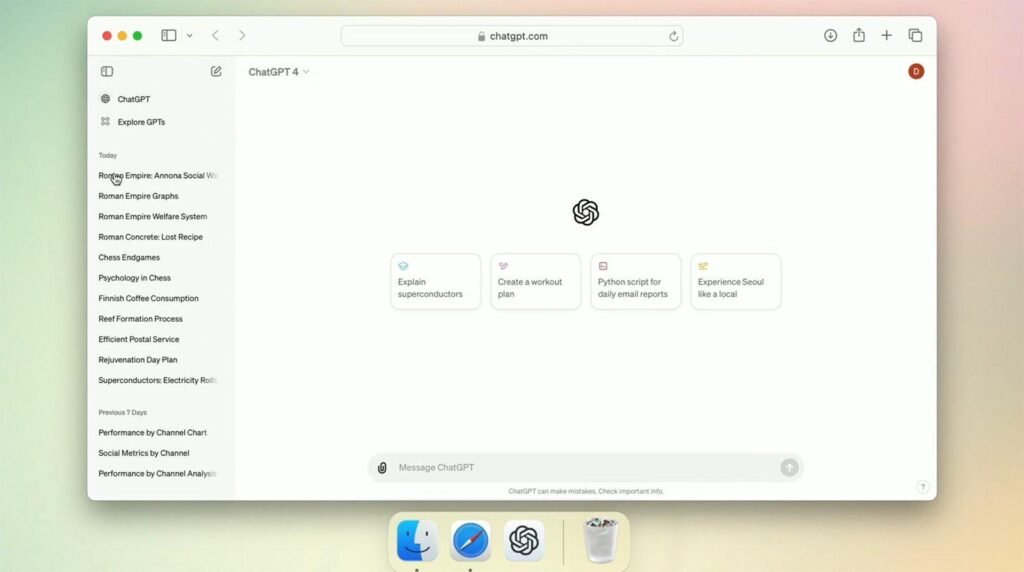
If you’re searching for the best AI tool for studying, writing, coding, brainstorming, and learning, ChatGPT is one of the strongest choices available today. Developed by OpenAI, it has become the go-to AI assistant for millions of students worldwide because of its versatility and ease of use.
ChatGPT can explain complex concepts in simple language, generate study notes, solve programming problems, assist with homework, and even help you prepare for exams. Whether you’re writing an essay, learning mathematics, practicing a new language, or organizing a project, ChatGPT adapts to your needs.
Key Features
Answers academic questions with detailed explanations.
Assists with essays, reports, and assignments.
Summarizes long articles and lecture notes.
Generates study plans and revision schedules.
Helps with coding and debugging.
Supports dozens of languages.
Pros
Excellent all-in-one study assistant.
Easy to use for beginners.
Free version available.
Supports a wide variety of subjects.
Great for brainstorming ideas.
Cons
May occasionally provide inaccurate information.
Advanced features require a paid subscription.
Best For
Homework assistance
Essay writing
Coding practice
Exam preparation
Research planning
Daily learning
2. Google Gemini
Best for Research and Google Workspace
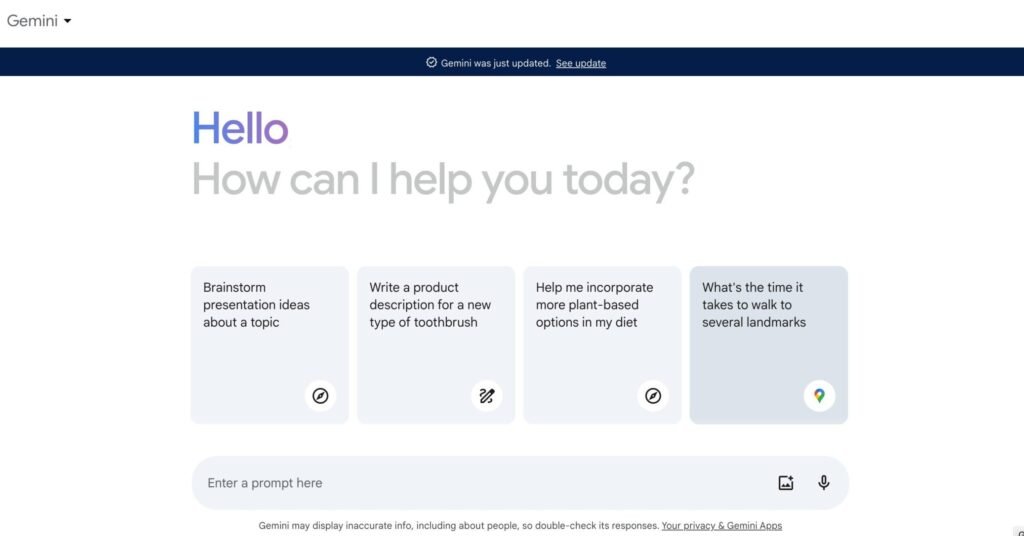
Google Gemini is another excellent choice among the best AI tools for students. Because it integrates seamlessly with Google Search, Google Docs, Gmail, Drive, and other Google services, it becomes a natural productivity companion for students who already use Google’s ecosystem.
Gemini excels at explaining concepts, generating summaries, organizing information, and assisting with research. It can also help create emails, presentations, and study materials directly within Google’s productivity apps.
For students who frequently work on collaborative projects or online assignments, Gemini offers a smooth experience across multiple devices.
Key Features
Deep integration with Google Workspace.
Generates summaries and study materials.
Helps with research and information gathering.
Supports image understanding and multimodal AI.
Assists with presentations and documents.
Pros
Free version available.
Excellent Google integration.
Fast responses.
Strong research capabilities.
Easy to access on desktop and mobile.
Cons
Some advanced AI features require a premium subscription.
Responses may vary depending on the complexity of the topic.
Best For
Academic research
Google Docs users
Online learning
Presentation preparation
Collaborative projects
3. Perplexity AI
Best AI Research Tool for Students
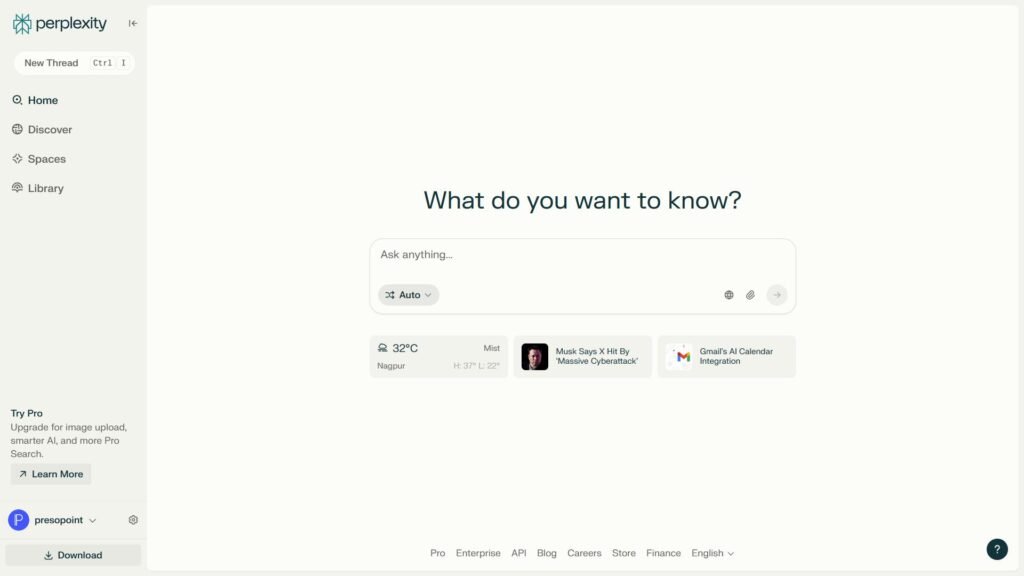
When it comes to finding accurate information with reliable sources,Perplexity AI stands out as one of the best AI tools for students. Unlike many AI chatbots that simply generate answers, Perplexity AI provides responses backed by citations, allowing students to verify information quickly.
This makes it an excellent choice for research projects, academic writing, and preparing reports. Instead of searching through multiple websites, students can ask a question and receive a well-structured answer with links to the original sources.
If you’re looking for AI research tools or AI tools for research papers, Perplexity AI is one of the most reliable options available.
Key Features
Provides answers with source citations.
Searches the web for up-to-date information.
Summarizes lengthy articles and research papers.
Supports follow-up questions for deeper learning.
Easy-to-use interface for beginners.
Pros
Reliable research with cited sources.
Excellent for academic projects.
Free version available.
Fast and accurate search results.
Helps students verify information easily.
Cons
Less creative than general AI chatbots.
Advanced features require a paid subscription.
Best For
Research assignments
Academic writing
Fact-checking
Literature reviews
Finding credible sources
4. Claude AI
Best for Essays and Long Documents
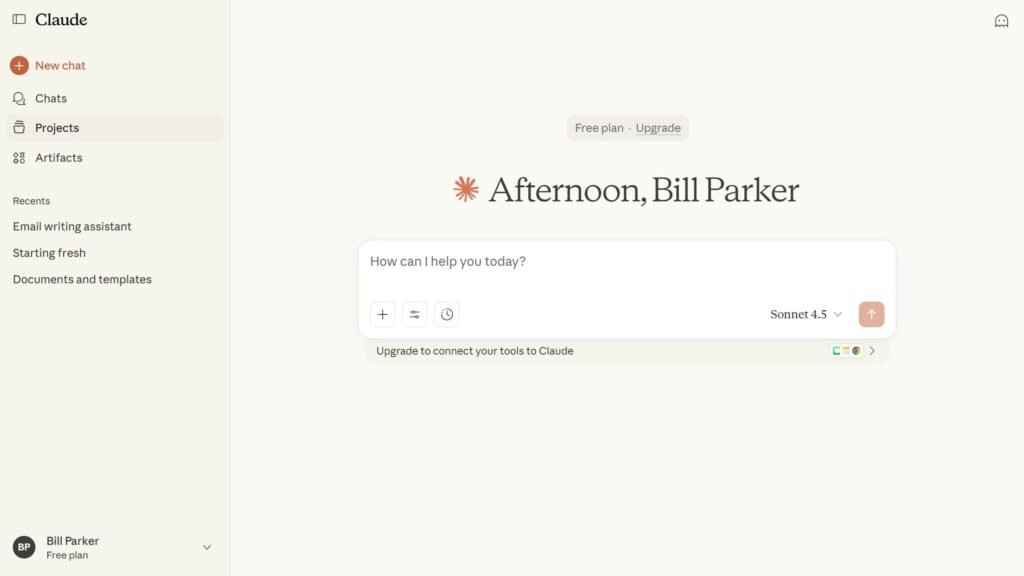
If you regularly write essays, reports, or analyze lengthy documents, Claude AI is one of the best AI tools for college students and university learners. Developed by Anthropic, Claude is known for producing natural, detailed, and well-organized responses.
One of Claude’s biggest strengths is its ability to process large amounts of text. Students can upload lengthy PDFs, lecture notes, or research papers and ask Claude to summarize, explain, or answer questions about the content.
This makes it an excellent choice for AI tools for writing assignments, AI tools for summarizing notes, and understanding complex academic material.
Key Features
Generates detailed essays and reports.
Summarizes long documents.
Explains difficult topics in simple language.
Supports document uploads.
Produces natural, human-like writing.
Pros
Excellent writing quality.
Handles long documents efficiently.
Great for understanding complex subjects.
Free version available.
Clean and user-friendly interface.
Cons
Limited daily usage on the free plan.
Less suitable for real-time web research.
Best For
Essay writing
Report preparation
Document analysis
Study notes
Academic writing
5. Grammarly
Best AI Writing Tool for Students
Even the best ideas can lose marks if they’re filled with grammar mistakes or unclear sentences. That’s where Grammarly becomes an essential companion. It is widely recognized as one of the best free AI tools for improving writing quality.
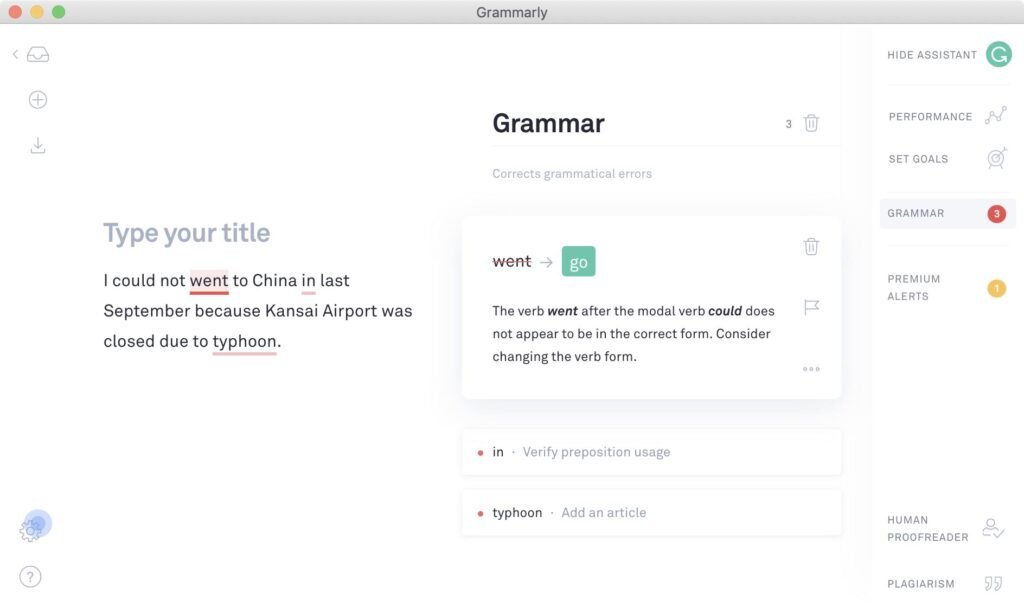
Grammarly goes beyond basic spell-checking. It analyzes grammar, punctuation, sentence clarity, tone, and vocabulary to help students produce professional and polished assignments. Whether you’re writing an essay, email, scholarship application, or research paper, Grammarly can significantly improve your final draft.
For students searching for AI writing tools, AI tools for academic writing, or AI homework tools, Grammarly is one of the easiest tools to integrate into daily study routines.
Key Features
Grammar and spelling correction.
Sentence rewriting suggestions.
Tone and clarity improvements.
Vocabulary enhancement.
Browser extension and desktop support.
Pros
Very easy to use.
Free version covers essential features.
Works with most websites and applications.
Improves writing confidence.
Saves time during proofreading.
Cons
Premium version unlocks advanced writing suggestions.
Not designed for research or solving academic questions.
Best For
Essay writing
Proofreading
Academic assignments
Scholarship applications
Professional emails
Which AI Tool Should You Choose?
Each student has different learning needs, so there isn’t a single AI tool that’s perfect for everyone. Here’s a quick recommendation based on common use cases:
Need
Recommended AI Tool
Overall study assistant
ChatGPT
Online research
Perplexity AI
Essay writing
Claude AI
Grammar and proofreading
Grammarly
Google Workspace users
Google Gemini
Many students use a combination of these tools. For example, you can research a topic with Perplexity AI, brainstorm ideas using ChatGPT, write your assignment with Claude AI, and polish the final draft with Grammarly. This workflow helps improve efficiency while ensuring your work remains accurate and well-written.
By choosing the right AI apps for students, you can save time, stay organized, and focus more on learning instead of repetitive tasks.
Why Students Should Use AI Tools
AI has transformed education by making learning more interactive, personalized, and efficient. Instead of spending hours searching for information or correcting grammar mistakes, students can use AI to complete repetitive tasks and focus on understanding concepts.
Some of the biggest benefits of using AI tools for education include:
Saving time on homework and assignments.
Generating clear explanations for difficult subjects.
Improving grammar and academic writing.
Summarizing lengthy notes and textbooks.
Organizing study schedules more effectively.
Brainstorming ideas for essays and projects.
Creating presentations in less time.
The best results come from using AI as a learning assistant rather than relying on it to complete all your work. When used responsibly, these AI learning tools can improve productivity while helping students develop stronger academic skills.
More AI Tools Every Student Should Use
While the five AI tools covered above are among the best, several other AI-powered applications can also help students improve their learning experience.
Notion AI
Notion AI combines note-taking, task management, and AI writing assistance in one platform. It’s perfect for organizing study schedules, creating class notes, and managing projects.
Best For: Productivity, note organization, and project planning.
Canva AI
Canva AI makes designing presentations, posters, infographics, and social media graphics incredibly easy. Students can create professional-looking presentations in minutes without any design experience.
Best For: AI tools for creating presentations and visual projects.
Microsoft Copilot
Microsoft Copilot integrates with Word, Excel, PowerPoint, and other Microsoft Office applications. It helps students write documents, summarize content, analyze data, and prepare presentations more efficiently.
Best For: Microsoft Office users and academic productivity.
NotebookLM
Developed by Google, NotebookLM allows students to upload documents, PDFs, and lecture notes, then ask questions based on those materials. It’s an excellent learning companion for exam preparation and understanding complex subjects.
Best For: AI tools for note taking and personalized study sessions.
How to Choose the Best AI Tool for Students
Choosing the right AI assistant depends on your study habits and academic goals. Instead of using one tool for everything, consider selecting the one that matches your primary needs.
Here are a few recommendations:
For homework and daily learning: ChatGPT
For online research and source citations: Perplexity AI
For writing essays and reports: Claude AI
For grammar and proofreading: Grammarly
For Google Docs and classroom collaboration: Google Gemini
For presentations and creative projects: Canva AI
For organizing notes: Notion AI
Many students combine multiple AI study tools to create a more effective learning workflow. For example, you can research a topic with Perplexity AI, draft your assignment using ChatGPT or Claude AI, proofread it with Grammarly, and design your presentation in Canva.
This combination helps students study smarter while improving productivity and learning outcomes.
Tips for Using AI Responsibly
AI is a powerful learning assistant, but it should never replace your own understanding. To get the most benefit, use AI as a guide rather than allowing it to complete your entire assignment.
Here are some best practices:
Always verify important facts using trusted sources.
Rewrite AI-generated content in your own words.
Follow your school’s academic integrity guidelines.
Use AI to understand concepts instead of copying answers.
Proofread all AI-generated content before submitting it.
Protect your personal information when using AI services.
Using AI responsibly helps you learn more effectively while maintaining academic honesty.
FAQs
Q. Which AI tool is best for students?
There isn’t a single answer because every student has different needs. However, ChatGPT is often considered the best AI tool overall because it supports homework, writing, coding, brainstorming, and general learning. If your focus is research, Perplexity AI is an excellent alternative.
Q. Are there free AI tools for students?
Yes. Many of the best free AI tools for students in 2026 offer generous free plans, including ChatGPT, Google Gemini, Claude AI, Perplexity AI, and Grammarly.
Q. Which AI tool is best for writing assignments?
Claude AI and Grammarly are among the top AI tools for writing assignments. Claude helps generate well-structured content, while Grammarly improves grammar, clarity, and readability.
Q. What are the best AI tools for college students?
Some of the best AI tools for college students include ChatGPT, Claude AI, Perplexity AI, Google Gemini, and Grammarly. These tools support research, essay writing, project planning, and exam preparation.
Q. Can AI help students prepare for exams?
Absolutely. Many AI tools for exam preparation can generate quizzes, summarize textbooks, explain difficult concepts, create revision plans, and answer practice questions, making study sessions more efficient.
Final Verdict
Artificial Intelligence has become an essential part of modern education. Whether you need help with homework, research, writing, note-taking, or productivity, the best AI tools for students can save valuable time and make learning more effective.
If you’re looking for an all-in-one study assistant, ChatGPT remains the top choice. Google Gemini is ideal for students who rely on Google Workspace, while Perplexity AI is excellent for research with reliable citations. Claude AI shines when writing essays and analyzing long documents, and Grammarly ensures your assignments are polished and professional.
The good news is that most of these platforms offer free plans, making them accessible to students of all budgets. By combining the right AI learning tools, AI productivity tools, and AI apps for students, you can improve your study routine, stay organized, and achieve better academic results.
As AI technology continues to evolve, students who learn how to use these tools responsibly will have a significant advantage in both education and future careers.
Related Articles You May Like
Want to discover more AI tools that can boost your productivity? Explore our latest guides on AI chatbots, writing assistants, and productivity software to find the perfect tools for work, study, and everyday tasks.